The shift
From apps you operate to agents that operate for you
For thirty years, software asked people to do the driving: find the right app, learn its menus, copy data from one to the next. An agent flips that around. You state the goal, and it drives the systems.
You do the work in the software
- Many screens. One app per task, each with its own logins and menus.
- People glue it together. Staff copy details between systems and chase hand-offs.
- Training never ends. Every release changes where the buttons are.
- Months to change. A new step in the process means a new development project.
The software does the work for you
- One conversation. Ask in chat, by voice or through another system.
- The agent connects the dots. It calls each service in the right order and handles the hand-offs.
- Nothing to learn. Customers and staff say what they need in plain words.
- Hours to change. The business team edits the procedure and releases it.
Your systems stay. The app on top becomes optional.
Why now
Why this is happening now
Agents were a demo two years ago. Three things changed, and together they make agents ready for real business work.
Models can follow a procedure
Today's models understand requests, ask for what is missing and keep to a set of steps, instead of only chatting.
Systems already speak API
Most companies have an API gateway, OpenAPI specs or MCP tools. The parts an agent needs are already there.
Assistants pick the tools
People increasingly start in an AI assistant. If your service is not available to agents, it gets skipped.
What it means for you
The winners will be agent-ready
When agents decide which services get used, the companies whose systems agents can work with pull ahead. Being agent-ready comes down to four things, and AgentBuilder covers each one.
- Your capabilities are reachableEach agent is an API, a chat and voice endpoint, and an MCP server other assistants can call.
- Your procedures are written downSteps, rules and exceptions live in workflows the business owns, not in someone's head.
- Your controls come alongRoles, policies, maker-checker approvals and a full audit trail on every action.
- Your data stays yoursRecords live in your own database or system of record, and a local model can keep requests in house.
How it works
From existing systems to a working agent in three steps
No new backend and no app to maintain. The agent uses the services, records and tools your business already has.
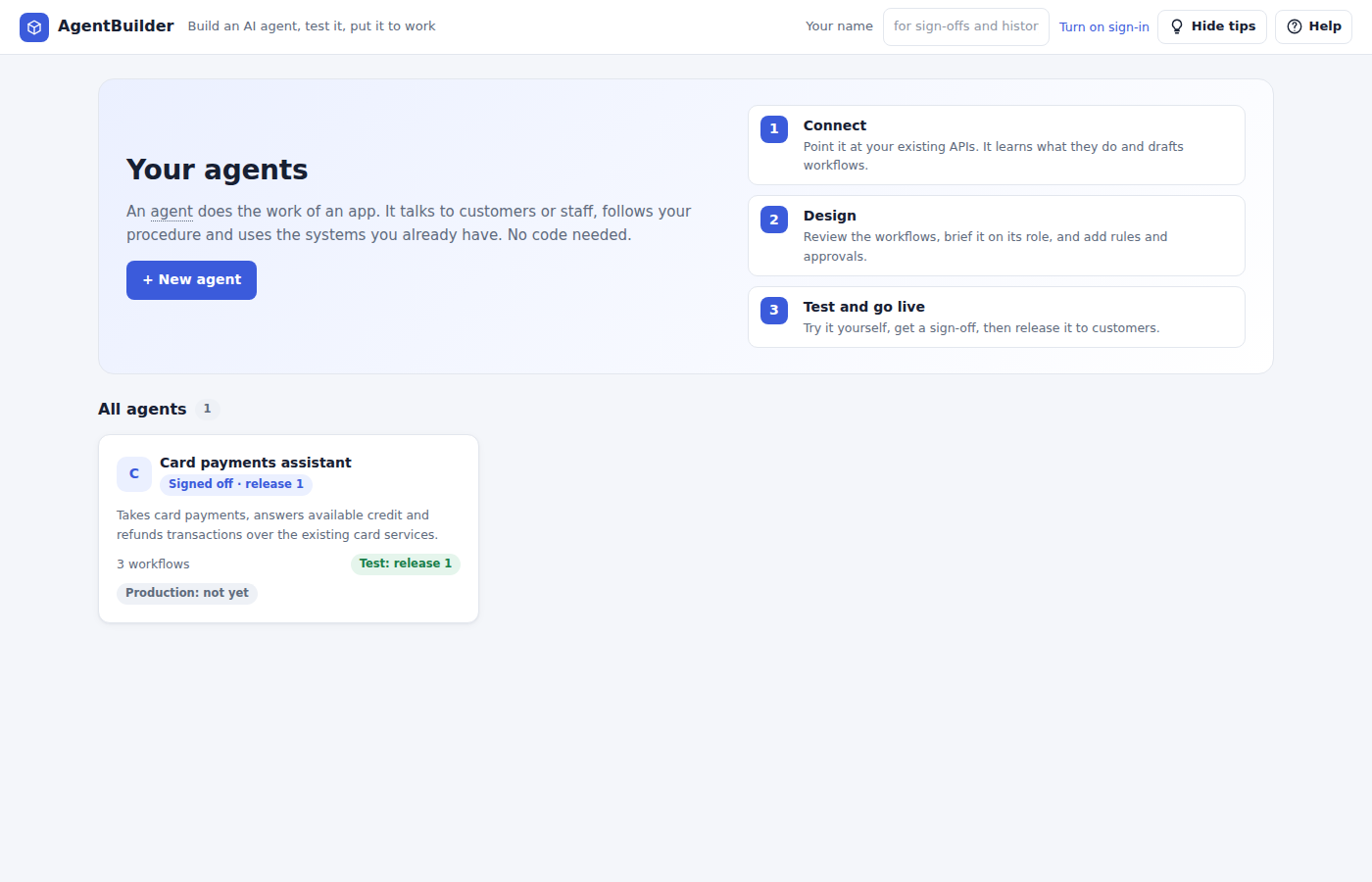
Connect
Point it at your API gateway, OpenAPI or Swagger specs, or MCP tools. It learns what each service does and drafts workflows with self-tests.
Design
Shape workflows on a drag-and-drop canvas, brief the agent on its role and procedure, and add policies, approvals and human tasks.
Test and go live
Try it in the studio, release to test, get a named sign-off, then promote to production. Roll back with one click.
Use cases
Replace the app, keep the system
Each agent is an intelligent worker you configure, not code you write. Teams start with the work that hops between the most screens.
Payments
Validate merchant, cardholder and card, then authorize, refund or answer balance questions.
Customer onboarding
Collect details, run KYC checks, route exceptions to people and open the account.
Call-center assist
Look up the customer, follow the procedure and complete the request while the call is live.
Portfolio operations
Gather instructions, apply policy limits, get approval and place the change.
Support triage
Read each request, sort it, gather the account details and resolve it or hand it to the right team.
Back-office reconciliation
Match transactions across systems, flag breaks and open a case for anything that needs a person.
Platform
Everything an agent needs to do real work
Talk on any channel
Chat, voice, API and MCP listeners, so customers, staff and other systems reach the same agent.
Run long cases
Durable cases that wait for documents, timers or a human decision, then pick up where they left off.
Follow your rules
Policies, maker-checker approvals, roles and entitlements, with every action in the audit trail.
Keep its own records
Record types with lifecycles, stored in your database or in an existing system of record through its APIs.
React to events
Start and resume work from Kafka topics and publish events from workflow steps.
Ship as its own app
Pack an agent as a standalone container for Docker, Kubernetes or Railway, with an optional local model.
FAQ
Questions teams ask first
Will AI agents really replace apps?
For a lot of business work, yes. People want the outcome, not the screens. An agent takes the request, calls the same services the app called, follows your rules and reports back. The systems stay; the app on top becomes optional.
Do I have to rebuild my systems for agents?
No. AgentBuilder reads the API specs, gateways and MCP tools you already have and drafts workflows from them. Your services keep running as they are.
Who builds the agents?
The business team. Workflows, procedures, policies and approvals are set up in the studio without code. Developers only step in when a new API needs connecting.
How do we stay in control of what an agent does?
Every agent runs under roles, entitlements and policies, routes risky steps to a person for approval, and records every action in an audit trail. Releases need a named sign-off in test before they reach production.
Can other AI assistants use our agents?
Yes. Each agent is published as an MCP server and an API, so assistants and other agents can call it as a tool, alongside chat and voice for people.
Replace your next app with an agent
Start in the studio. Your first agent can be talking to your existing services today.
Open the studio